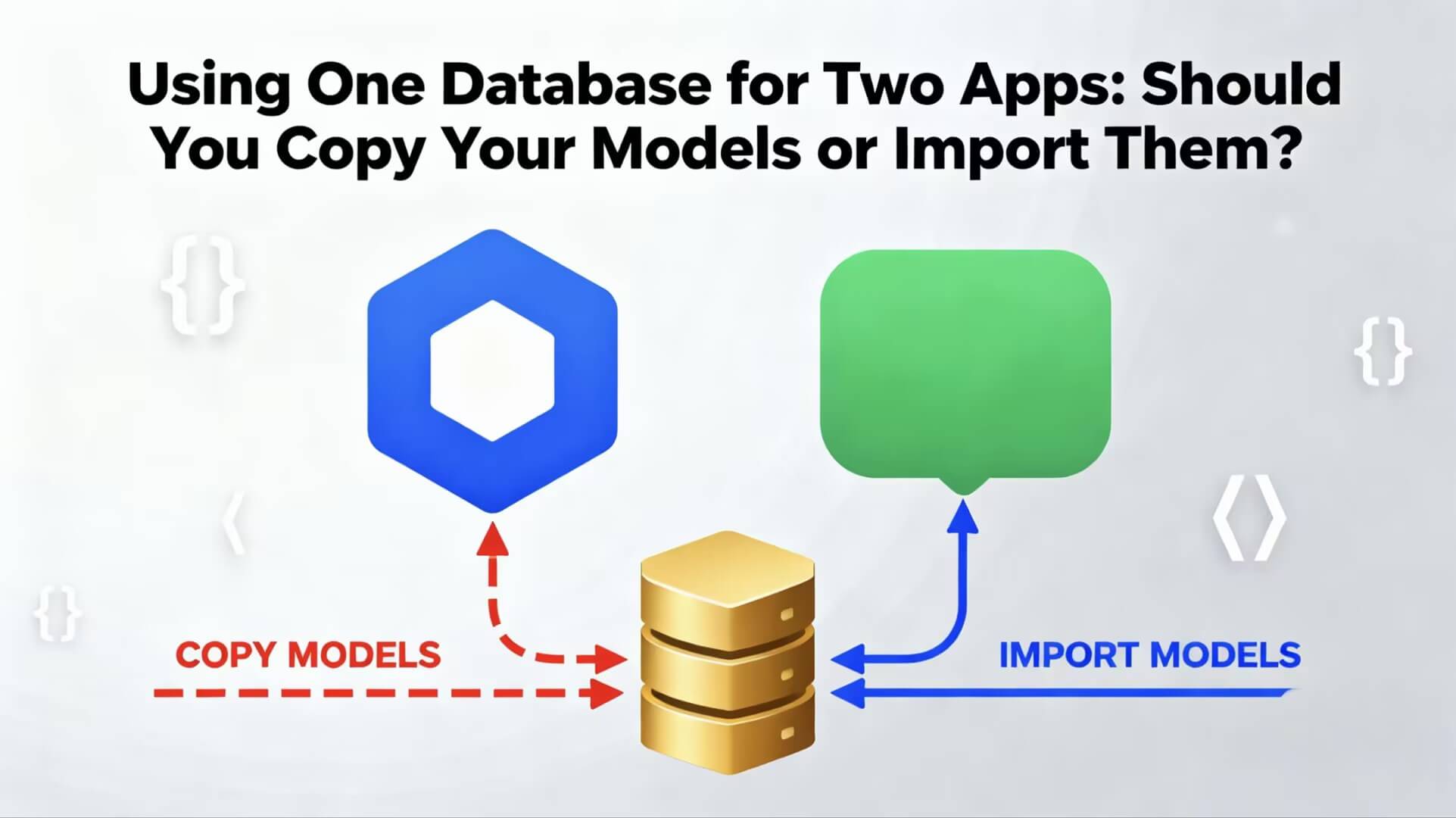
Using One Database for Two Apps: Should You Copy Your Models or Import Them?
When you work on a project that has one backend but multiple clients (like a web app + a mobile app), you eventually face this question:
“I already have SQLAlchemy models in my Flask application. Now I’m building a FastAPI backend for mobile — should I copy the models into the FastAPI project or import them from my Flask project?”
This sounds like a small decision.
But it affects your entire project architecture, maintainability, and database safety.
Let’s break it down in simple words.
✅ The Two Options
Option 1 — Copy the model files into the FastAPI app
Just take the models.py files from your Flask project and paste them inside your FastAPI folder.
Option 2 — Import the same models directly from the Flask app
Your FastAPI app uses:

from flask_app.models import User, Vendor
so both apps share one source of truth.
🔍 What Happens If You Copy the Models?
Copying feels simple:
Paste the models
Make some modifications
Done?
Not really.
❌ 1. You’ll be maintaining two versions of every model
If you add a new column in Flask:
User.address = db.Column(…)
you must also manually add it in FastAPI.
Developers forget.
Then two apps start thinking the database looks different.
That’s where problems start.
❌ 2. Two separate migration systems
Flask uses Flask-Migrate.
FastAPI uses Alembic directly.
If you copy models, you now have:
two Alembic folders,
two migration histories,
two places to run migrations.
One mistake?
Inconsistent schemas → broken API.
❌ 3. Risk of database mismatch
Imagine Flask thinks:
name = String(100)
but FastAPI thinks:
name = String(50)
or one app adds a column and the other doesn’t know about it.
Results?
- Foreign key failures
- Missing column errors
- Mismatched constraints
- Strange bugs you cannot debug quickly
❌ 4. More work today + even more work tomorrow
Copying models looks easy in the beginning, but when your project grows, you’ll suffer from:
- duplicated code
- confusion
- extra debugging
- unpredictable errors
🌟 Why Importing the Models Is the Better Solution
Instead of copying, your FastAPI app can simply load the same models:
from flask_app.models import User, Vendor
This means:
✔ Only one version of models (no duplication)
✔ Only one migration folder (no conflicts)
✔ Both apps use the same Aiven database cleanly
✔ You update models in one place
✔ FastAPI and Flask stay in sync forever
✔ No surprises or schema mismatches
This approach is cleaner, scalable, and maintainable.
🔧 How to Make This Work
It’s surprisingly simple:
Ensure your Flask project is structured like a real Python package.
(it already is, if it has init.py)
Add the Flask project to Python path from FastAPI.
Import models:
from vendora_app.models import User
Use the same database connection (Aiven, PostgreSQL, etc.)
Your FastAPI app now uses the same models, same tables, same engine — with zero duplication.
🎯 So What Should You Do?
If your project will grow, if you care about maintainability, or if multiple developers will work on it:
Always import the models. Do not copy them.
Copying seems easy today but causes long-term technical debt.
Importing is the clean, scalable, professional approach.
📝 Conclusion
When building multiple apps that share the same database:
Copying models creates more problems than it solves.
Importing models keeps everything consistent and future-proof.
Always aim to maintain a single source of truth for your database schema.
Your future self (and your teammates) will thank you